Pro
Password protect a PDF
AES-256 encryption, set on your own computer.
Part of PDF Coast Pro. Try it free for 14 days, no payment method needed.
Updated 25 October 2026
The short answer
PDF Coast encrypts PDFs with AES-256 on your own computer. Open the file, go to Protect, and choose Protect with Password. Set the password needed to open the document, and choose whether printing, copying and editing are allowed. The file and the password never leave your PC. PDF Coast can also remove a password you know. Password protection is part of PDF Coast Pro, with a 14-day free trial.
- Price
- Pro, US$26.49 once. Free 14-day trial
- Your file
- Stays on your PC, never uploaded
- Internet
- Not needed
- Works on
- Windows 10 and 11
How to do it
- Open the PDF in PDF Coast.
- Choose Protect, then Protect with Password.
- Type the password, and set whether printing, copying and editing are allowed.
- Save the protected copy, and keep the password somewhere safe.
Password protect online, or on your PC?
Online converters are handy on a phone. For anything private, a desktop app is safer.
 PDF Coast PDF Coast |
Typical online converter | |
|---|---|---|
| Your file is uploaded | Never | Yes, to their servers |
| Works without internet | Yes | No |
| Limits on free use | None on free tools | Daily or file-size limits are common |
| Account | Not needed | Often needed after a few files |
Questions
How strong is the encryption?
AES-256, the strongest encryption the PDF format defines. Adobe Acrobat and other PDF readers ask for the password in the usual way.
Can I stop printing or copying but still let people open it?
Yes. Printing, copying and editing are permissions set separately from the open password. Reader apps are expected to respect them, while the open password is real encryption.
Can PDF Coast remove a password?
Yes, if you know it. Choose Remove Password (Unlock). PDF Coast does not break passwords you do not have.
How much does PDF Coast Pro cost?
Pro is a one-time purchase of US$26.49, with no subscription and no renewals. Microsoft Store shows the price in your own currency before you confirm, and you can try every Pro tool free for 14 days first.
Is my file uploaded anywhere?
No. PDF Coast opens and saves the file on your own computer, and works with the internet switched off. Nothing about the document is sent anywhere.
Related tools
-
Pro
Redact PDF
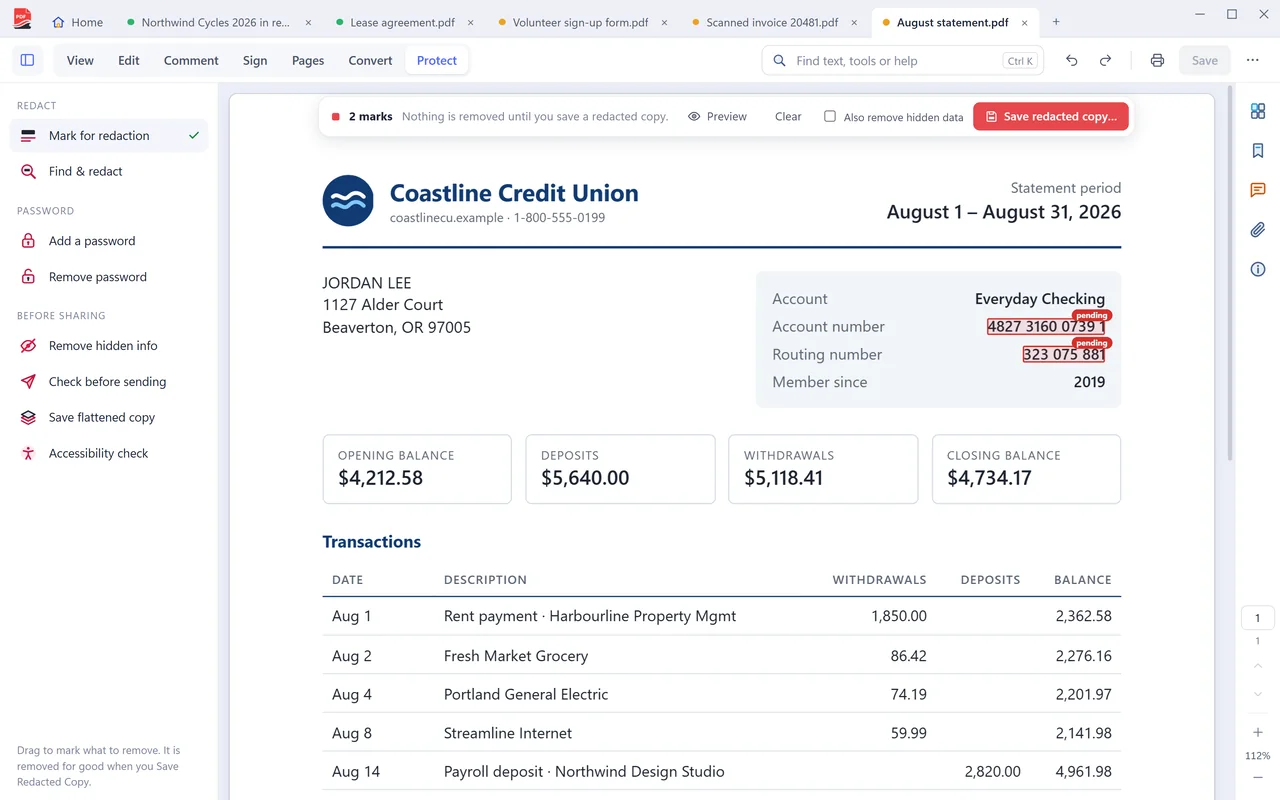
Remove private details for good. The text is deleted from the file, not hidden under a box.
-
Free
Merge PDF
Combine as many PDFs as you like, in the order you want. Free.
-
Pro
PDF to Word
An editable .docx with real paragraphs, tables, headers and footers. Converted on your PC.
-
Pro
Edit PDF text
Click a paragraph and change the wording. The text reflows as you type, and the page keeps its layout.
Get PDF Coast for free
Everyday PDF work is free forever. Pro is US$26.49 once, and you can try every Pro tool free for 14 days. No account, no card, no subscription.
Windows 10 and 11, 64-bit. English, 简体中文 and 繁體中文.