Pro
Convert a PDF to Word
An editable .docx with real paragraphs, tables, headers and footers. Converted on your PC.
Part of PDF Coast Pro. Try it free for 14 days, no payment method needed.
Updated 25 October 2026
The short answer
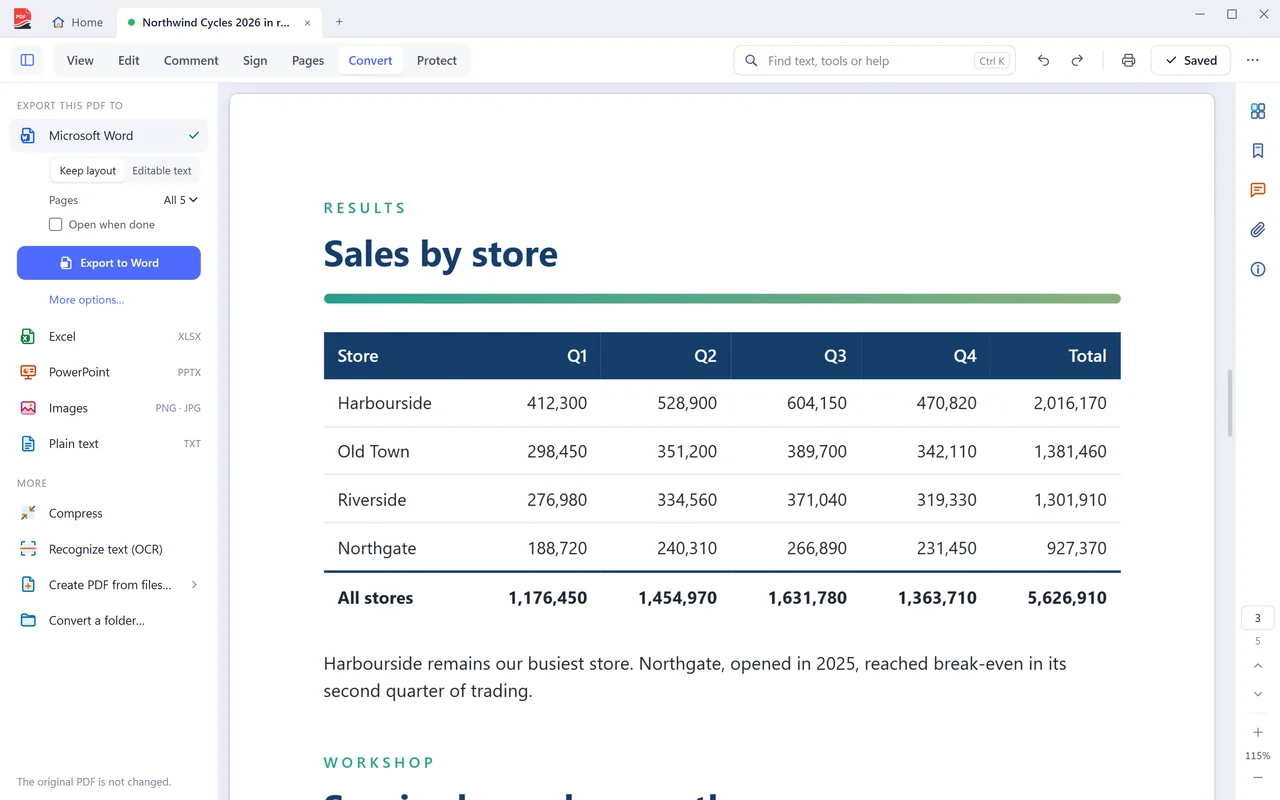
PDF Coast converts PDF to Word on your own PC. Open the PDF, choose Convert at the top of the window, then Microsoft Word. You get a .docx with real paragraphs, tables, headers and footers, not a picture of each page. The document is never uploaded. Office export is part of PDF Coast Pro, a one-time purchase, with a 14-day free trial.
- Price
- Pro, US$26.49 once. Free 14-day trial
- Your file
- Stays on your PC, never uploaded
- Internet
- Not needed
- Works on
- Windows 10 and 11
How to do it
- Open the PDF in PDF Coast.
- Choose Convert at the top of the window.
- Choose Microsoft Word, then Export to Word. Excel and PowerPoint are in the same list.
- Save the .docx and open it in Word. The original PDF is not changed.
PDF to Word online, or on your PC?
Online converters are handy on a phone. For anything private, a desktop app is safer.
 PDF Coast PDF Coast |
Typical online converter | |
|---|---|---|
| Your file is uploaded | Never | Yes, to their servers |
| Works without internet | Yes | No |
| Limits on free use | None on free tools | Daily or file-size limits are common |
| Account | Not needed | Often needed after a few files |
Questions
Is PDF to Word free?
Office export is part of PDF Coast Pro, a one-time purchase with no subscription. You can try it free for 14 days without a payment method. Exporting the text of a PDF, or saving pages as pictures, is free.
Do I need Microsoft Word installed?
No. PDF Coast writes the .docx itself. The file opens in Word, LibreOffice or Google Docs.
What about a scanned PDF?
A scan has no text until it is recognized. Run Recognize text (OCR) first, then export to Word.
How much does PDF Coast Pro cost?
Pro is a one-time purchase of US$26.49, with no subscription and no renewals. Microsoft Store shows the price in your own currency before you confirm, and you can try every Pro tool free for 14 days first.
Is my file uploaded anywhere?
No. PDF Coast opens and saves the file on your own computer, and works with the internet switched off. Nothing about the document is sent anywhere.
Related tools
-
Pro
PDF to Excel
Real cells and real numbers, ready to sort, filter and total.
-
Pro
PDF to PowerPoint
Each page becomes a slide, with text you can edit and pictures you can move.
-
Free
PDF to JPG
One image per page, at the resolution you choose. Free.
-
Free
JPG to PDF
Photos, screenshots and phone scans become one tidy PDF. Free.
-
Free
Word to PDF
A .docx, .xlsx or .pptx becomes a PDF with its layout intact. Free.
-
Free
Scan to PDF
From the scanner to a finished PDF in one step. Free.
-
Pro
OCR a scanned PDF
Recognize the text in a scan without sending the scan anywhere.
Get PDF Coast for free
Everyday PDF work is free forever. Pro is US$26.49 once, and you can try every Pro tool free for 14 days. No account, no card, no subscription.
Windows 10 and 11, 64-bit. English, 简体中文 and 繁體中文.